When the internet's gone, you still have someone to ask.
Plug it into any Windows or Mac laptop and talk it through — purifying water, treating a burn, keeping food safe in an outage, or just wording a hard email. The AI runs from the drive. Nothing you type leaves the room.
A quiet helper, on your laptop. What would you like to do?
Live demo · answers are scripted samples · the real app runs a full AI offline
Try it: pick a question, or open the Field Manual. Everything here runs in your browser — the real app does the same on your laptop, fully offline.
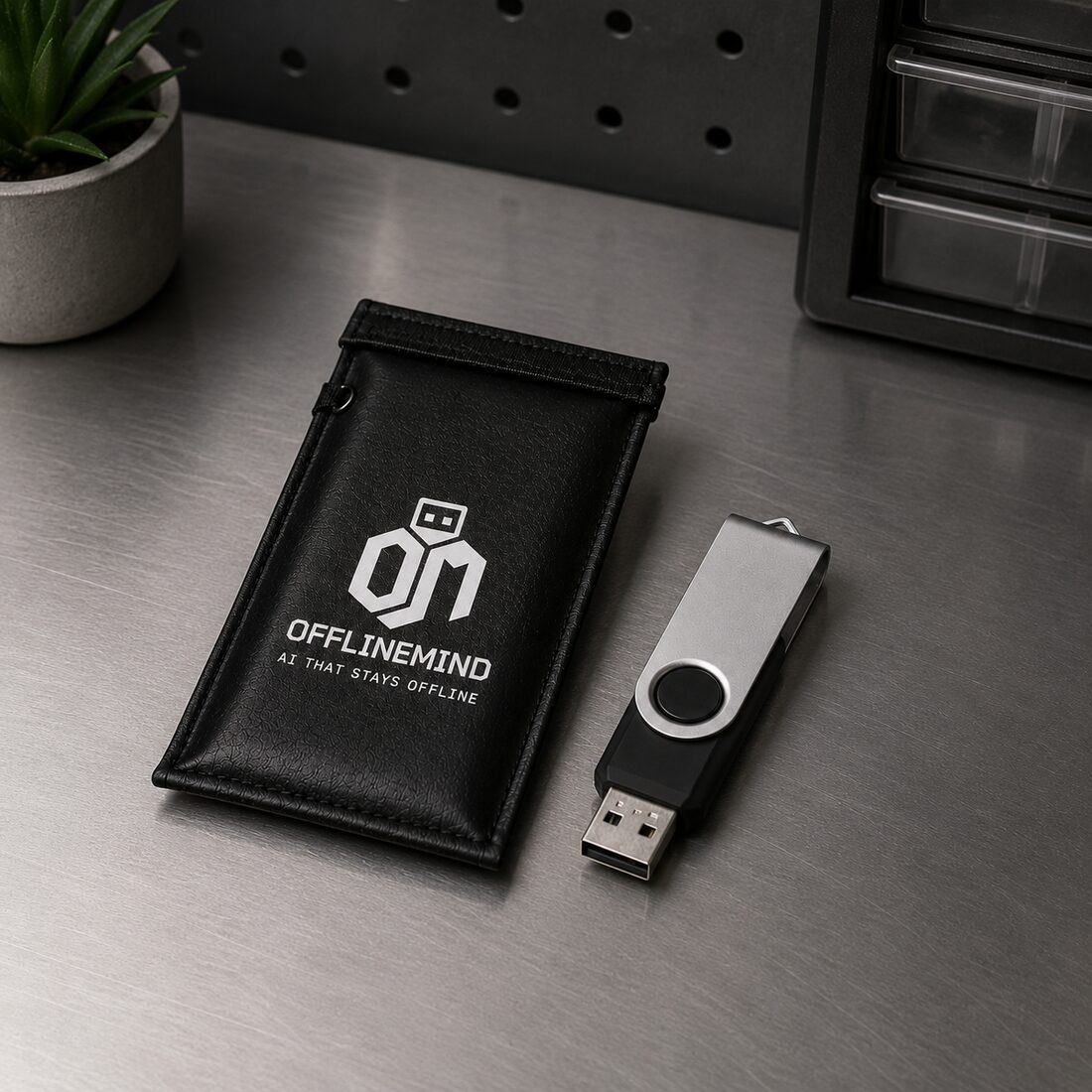
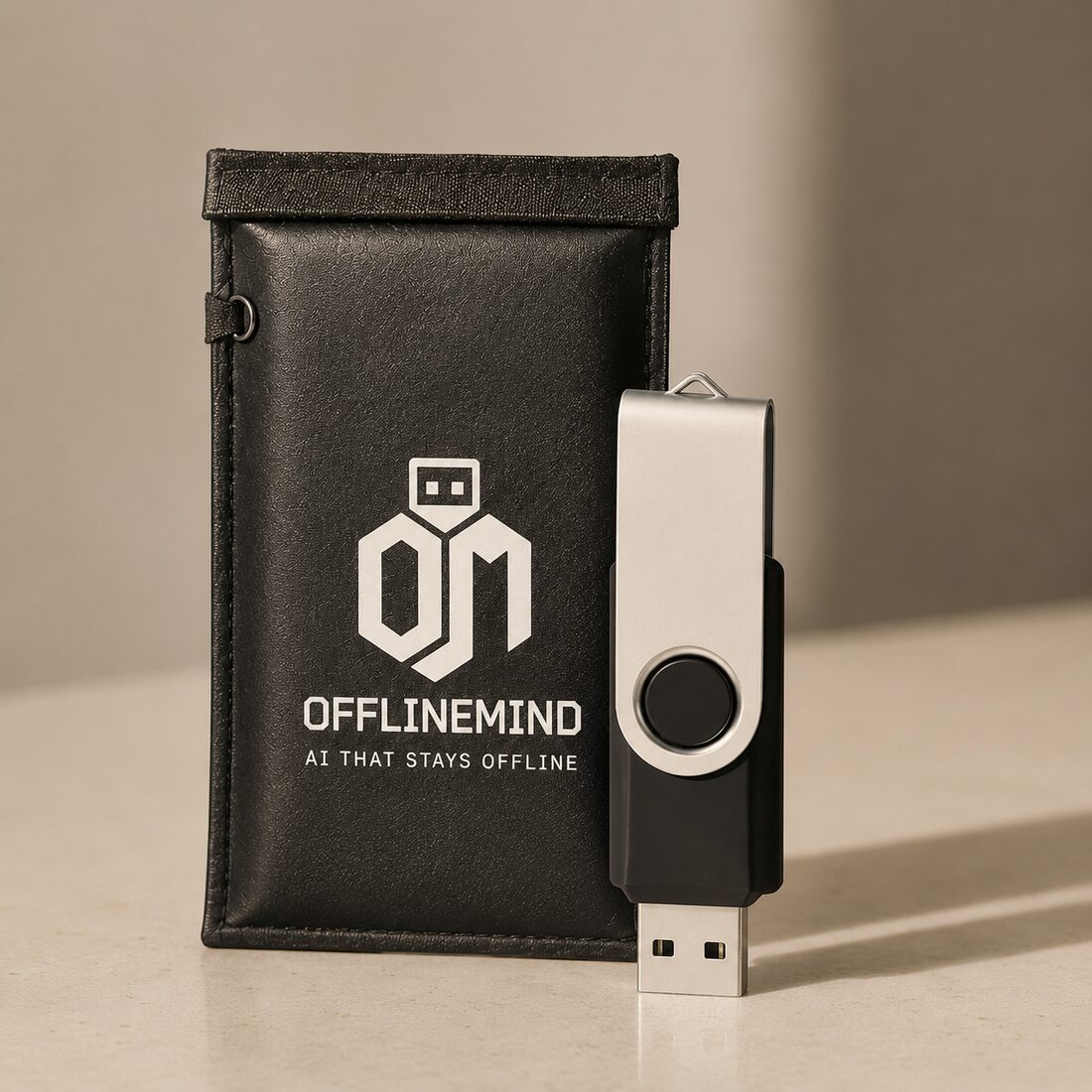
Every drive ships with a Faraday bag. Slip the drive inside and it's shielded from EMPs, solar flares, and the electrical surges that fry ordinary electronics — so the one device with the answers survives the event that took out everything else. Store it there and it's ready the day the grid isn't.
I.What it is
ChatGPT needs the cloud. This needs a USB port.
Cloud AI stops working the moment your internet, your account, or the company behind it goes away. OfflineMind puts the whole thing — the app, the AI, and a survival field manual — on one drive in your pocket. Nothing to install. No account. No subscription. Nothing you type ever leaves the laptop.
It's for the day the power's out and you need to make water safe. And it's for every ordinary day before that, as a private assistant whose answers don't travel.
II.How it works
Plug in. Double-click. Ask.
01 Plug it in
Any Windows 10/11 or Mac laptop with 8 GB of memory. No setup, no admin rights, no internet.
02 Double-click "Start OfflineMind"
The app and the AI run straight off the drive. First start takes about a minute while the AI wakes up.
03 Ask
Type like you'd text a knowledgeable friend. Answers come from the drive — not from a server somewhere.
III.What you'd ask it
In an emergency.
The power's out, the water's off, someone's hurt and the phones are down. Describe what's happening. The AI answers calmly, step by step, drawing on the Field Manual — how to disinfect water, dress a wound, keep food safe, stay warm, signal for help.
Off the grid.
A cabin, a boat, the back country, a trip abroad with no signal. Plan repairs, troubleshoot a generator, stretch your supplies, learn a knot. The expert comes with you because it lives on the drive.
Every day, privately.
Word a difficult email. Talk through a decision. Explain something you almost understand. Plan a week of dinners. The same things you'd ask a cloud AI — except none of it leaves the room.
Show it a photo.
A rash, a mystery part, a warning label, a sign in another language, an error message. Drop the photo in and ask. It's read on your laptop — never uploaded anywhere.
About your own documents.
Drop in a .txt, .md, .csv, or .html file — an insurance policy, a manual, your notes — and ask questions. The AI cites the exact passages it draws from. Point it at a whole folder and every chat can use it.
Drop a document. Ask. Get cited answers from your own files.
IV.A page from the Field Manual
133 reference cards. Readable like a book, even with the AI off.
Each card is one situation: what to do right now, what people get wrong, and what to do if you have ten minutes. Tap a question on any card to ask the AI about your exact situation.
Water
Make water safe to drink
Boil for one minute. Three above 6,500 ft. If you can't boil, use plain bleach.
Do this now
Filter cloudy water through cloth or paper.
Rolling boil. One minute. Three at altitude.
Let it cool. Store in covered containers.
Common mistakes
Boiling chemicals or radioactive water. Boiling kills germs, not poisons.
Using scented bleach. Plain only.
Skipping the pre-filter. Disinfection fails on cloudy water.
If you have 10 minutes
No way to boil? Plain bleach: 8 drops per gallon. Wait 30 minutes.
Double the bleach if water is cloudy, colored, or very cold.
Filter first, then disinfect. Most camping filters miss viruses.
Thirteen categories ship on every drive: Water, Fire, First Aid, Shelter, Signal, Food, Security, Power, Communication, Sanitation, Navigation, Medicine, Hazards. Distilled from CDC, EPA, USDA, FEMA, and Red Cross guidance.
V.The details
On the drive
The apppreloaded
AI modelsfour
Field Manual133 cards
Document readerbuilt in
Your chatssaved here
You need
OSWindows or macOS
Memory (min)8 GB
Memory (rec)16 GB
Disk spaceNone
InternetNever
Stays private
Outbound trafficNone
TrackingNone
AccountsNone
UpdatesYou choose
Your dataOn the drive
Four AI models in the chat dropdown: Heavy for the best answers, Standard for fast everyday use, Vision for photos, and Unfiltered for direct answers when the others get overly cautious. Pick per conversation.
VI.Get one
Available now.
A loaded USB drive — $45.99, brand new, shipped free anywhere in the US. Plug it into a Windows or Mac laptop and the whole thing runs straight off the drive — the app, four AI models, and the 133-card Field Manual. No account, no subscription, and nothing you type ever leaves the machine. Backed by 30-day returns.
The whole assistant — app, AI models, and Field Manual — on one drive, with a pouch to carry it.
Pick your platform above · secure checkout · free shipping in the US · 30-day returns.
VII.Common questions
Does it really work without the internet?
Yes. The AI runs on your laptop, from the drive. Pull the Wi-Fi, it works exactly the same. No message ever leaves your computer.
How do I get one?
It ships as a loaded USB drive — $45.99, brand new, free US shipping. Order it right here, plug it in when it arrives, and it works straight out of the box. Backed by 30-day returns.
What computer do I need?
Windows 10/11 or a Mac, with at least 8 GB of memory. 16 GB makes the bigger model comfortable. Nothing gets installed on the computer.
How smart is it, compared to ChatGPT?
About as smart as the cloud was eighteen months ago. Smart enough for almost anything most people ask. The trade-off is privacy — and that this brain doesn't get worse, more expensive, or shut off.
How current is its knowledge? When was it trained?
The assistant runs Qwen3 — a family of open models from Alibaba released in 2025 — trained on data that runs into 2024, so its general knowledge is current to roughly then. (Alibaba doesn't publish an exact cutoff date.) Because it's fully offline, it never pulls live information and won't know about anything after its training — that's the deliberate trade for privacy and a brain that doesn't shift under you. For timeless things — first aid, repairs, cooking, writing, reasoning — that's no limitation. For this week's headlines, it isn't the tool. And you can load newer models onto the drive as they're released.
Subscription? Account?
Neither. One-time purchase. Works forever.
What's the "Unfiltered" model?
A variant with the refusal training removed, for when the standard models lecture you about a benign question. Same drive, your choice, your judgment.
Can it look at photos?
Yes. Drop a photo into the chat and the Vision model on the drive reads it — screenshots, handwritten notes, mystery objects, foreign menus, error messages. Fully offline, never uploaded.
Is the Field Manual a replacement for training?
No. It's distilled from CDC, Red Cross, and FEMA guidance. Call 911 in an emergency. Take a first-aid class. The cards remind; they don't replace muscle memory.
Windows or Mac?
Both. Choose your platform — Windows 10/11 or Mac — when you order.